
KIS Ticket
Enterprise SAAS Ticketing App for iOS, Android, and Web
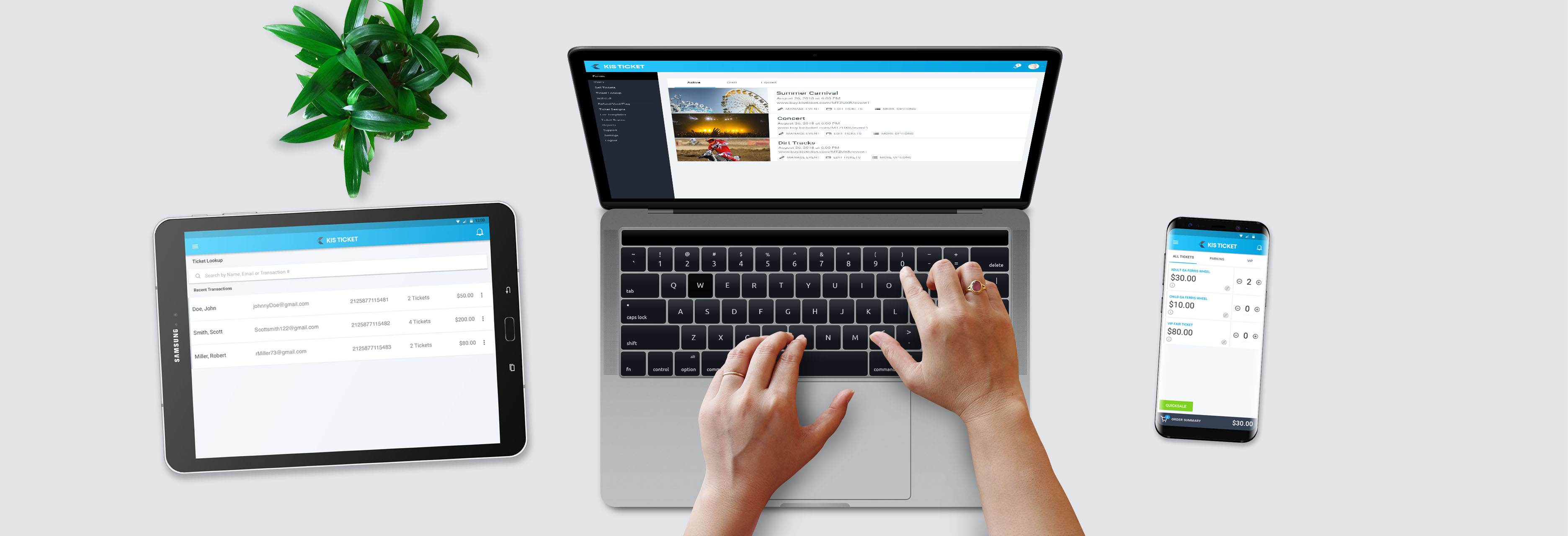
Enterprise SAAS Ticketing App for iOS, Android, and Web
KIS Ticket is an Android and web-based enterprise SAAS app for general admission ticket selling and events.
Learn More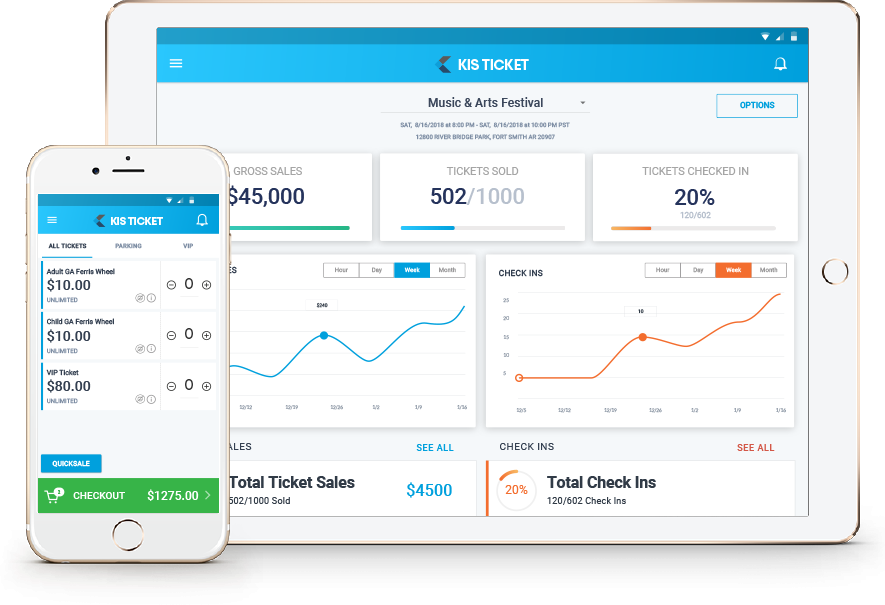
How might we create a robust, flexible point-of-sale and online ticketing platform while “keeping it simple”?
I led the UI/UX Design and Product Management of KIS Ticket from 2016 to the present. I was originally hired to prototype the application and was later hired on full-time and promoted to Senior Product Manager and UI/UX Designer.

Created wireframes, user-flows, and prototypes to accomplish user needs.

Created pixel-perfect mockups and design libraries in Sketch for handoff to developers.

Requirement gathering from key stakeholders, backlog prioritization, and product strategy.

QA and UAT for regular releases plus quantitative and qualitative feedback and bug logging.
Here are some of the programs I used on the KIS Ticket project. As the project evolved, different scenarios called for different tools. We adjusted and refined our workflows, picking the best software suited for each task.





I believe in user-centric iterative design. Here is a breakdown of the steps I took on the KIS Ticket project.
Research user needs, competitor workflows, and gather inspiration.
Create user flows and collect team feedback.
Design production-ready mockups for handoff to developers.
Write specificatitons and user stories to be broken into development tasks.
Test internally and externally to gather feedback for feature validation and areas for improvement.
We started with extensive research on the product’s current functions, customer base, and competitors. There were a lot of things that the current machine did great, but many things it could not do. For instance, there were no real-time reports, and the machine was cash-only. After researching competitors such as EventBrite, TicketFly, and TicketLeap, we discovered that the machine was quite outdated in a lot of ways. People were turning to our competitors for things they could not do with the current solution.
After conducting user and industry research, I began wireframing and prototyping the application. The prototype was createtd in Axure RP. Axure was chosen because it was good for web and mobile prototyping as well as link-sharing with key stakeholders. The client was so happy with the prototype that they hired me on to manage the product and development teams.
Once the prototype was locked down and the scope of the project was set, I created the final UI designs and components for handoff to the development team. The UI designs were created on 8x8 grids in Sketch for mobile responsive and web. Originally the client wanted a native iOS, Android, and web-based application so I became well-versed on all platforms. We later shifted to a pure Android and web solution to cut development cost and time. Finally, I created branding and style guides for our company and design libraries in line with our Product strategy and brand identity.
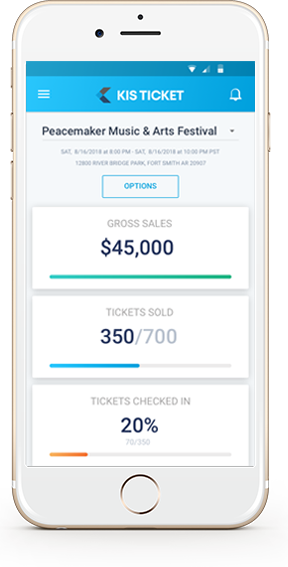
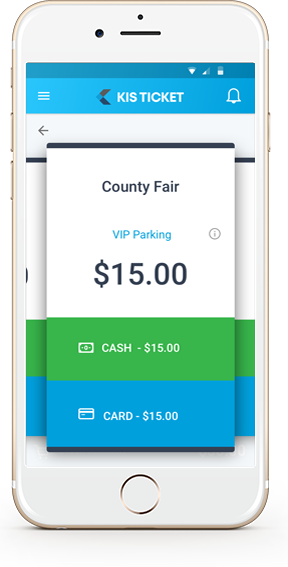
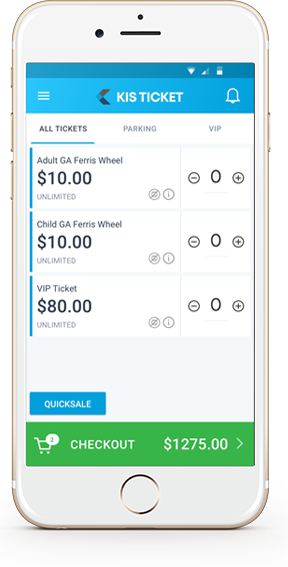
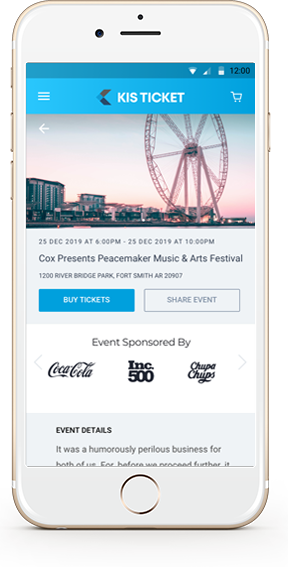
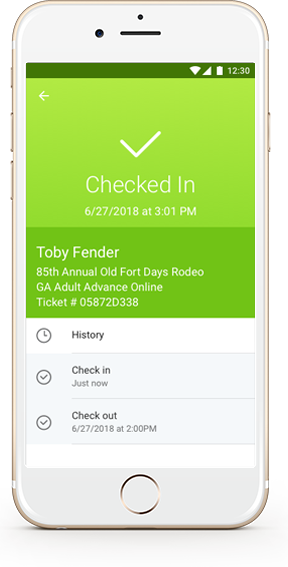
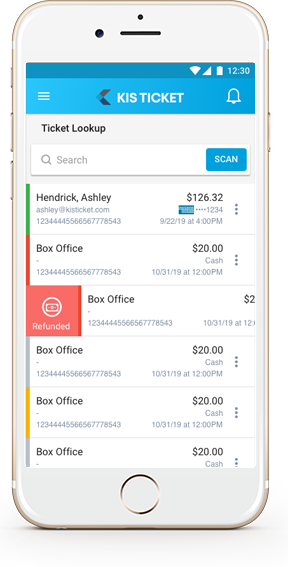
After requirements were gathered and UI designs were completed, I wrote user stories and specifications for each feature. I also managed backlog prioritization and product strategy for the team. In addition to product specs, I gathered metrics and qualitative feedback on the product and moderated weekly update meetings with our development team.
After features were completed I also managed and participated in QA for each release. I also visited client sites to gain insight on real-world use of the application. Finally I documented user feedback and made note of what features worked well for our customers and which ones needed improvement.